
Zoom Compare
Hard to find your best photos?Storage filling up?
Zoom Compare locates your photo sessions and let you compare similar photos side-by-side, with synchronized zoom. Now you can find your best photos and delete the rest.
Available on iPhone, iPad and Mac in English and other languages.



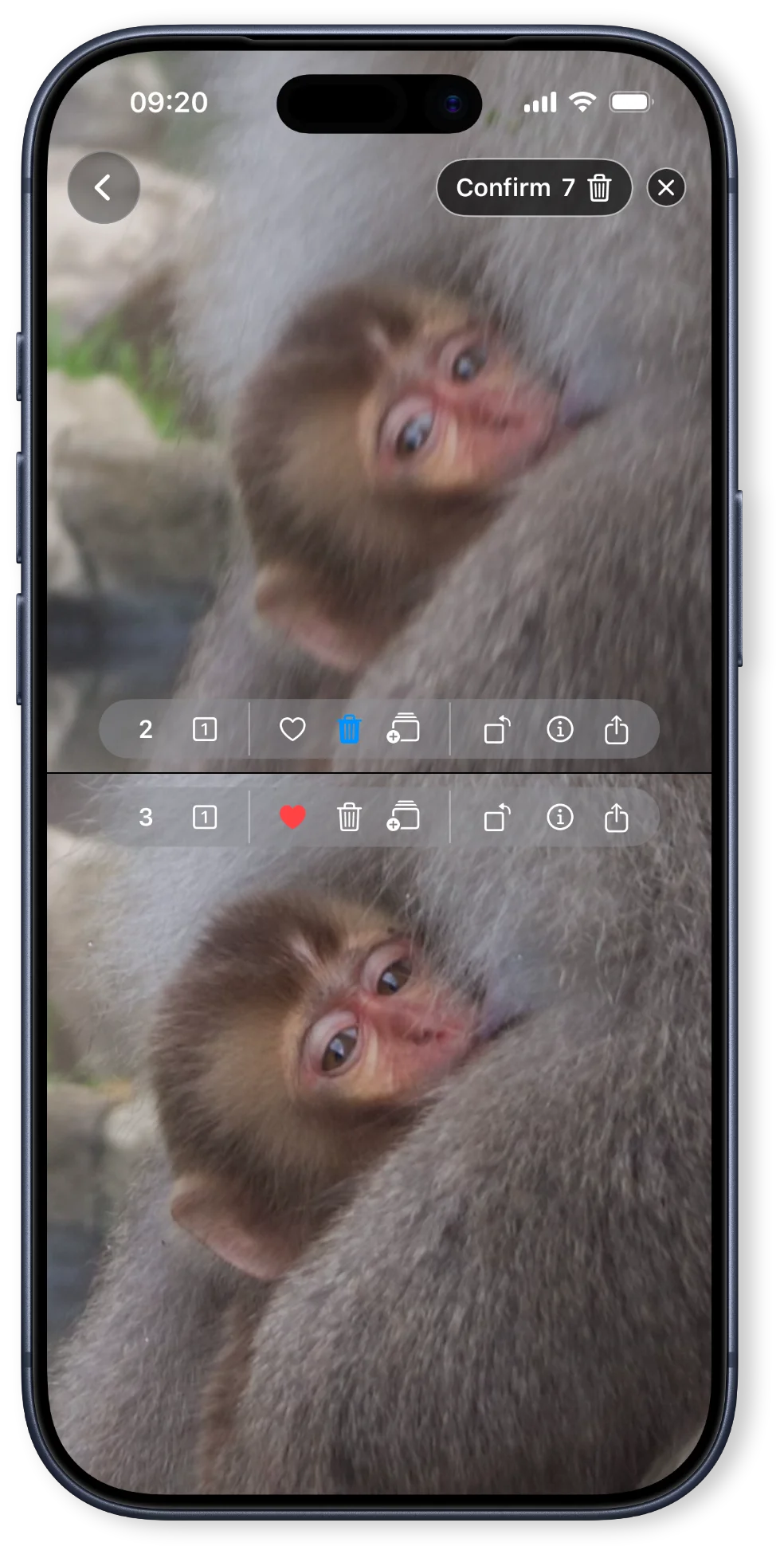
Compare photos side-by-side with synchronized zoom
Zoom in sync on two photos side-by-side. See which shot is sharper, whose eyes are closed, which angle is better. Delete, favorite, advance to the next photo. Quickly work through a group of photos until only the best remain.
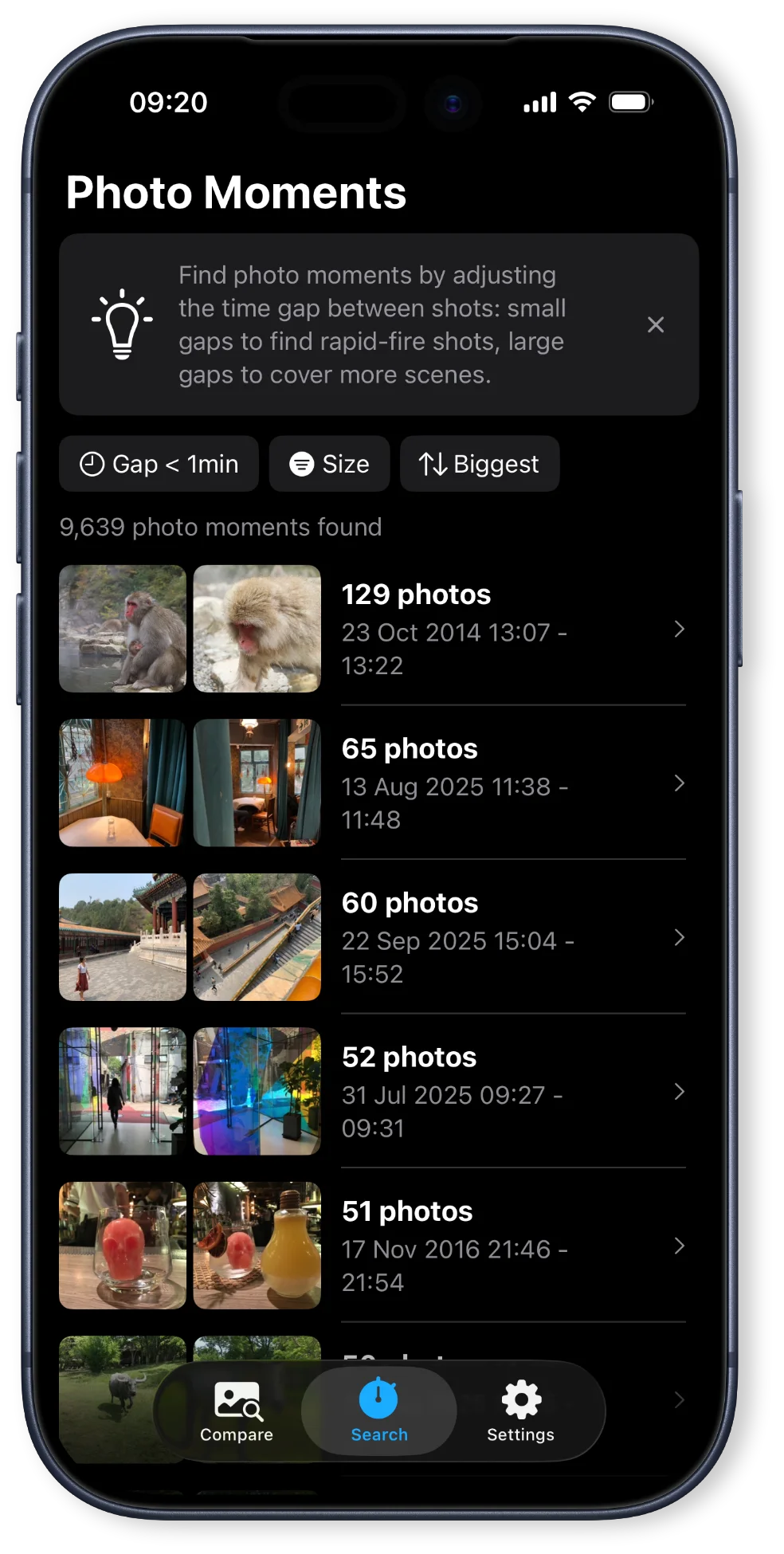
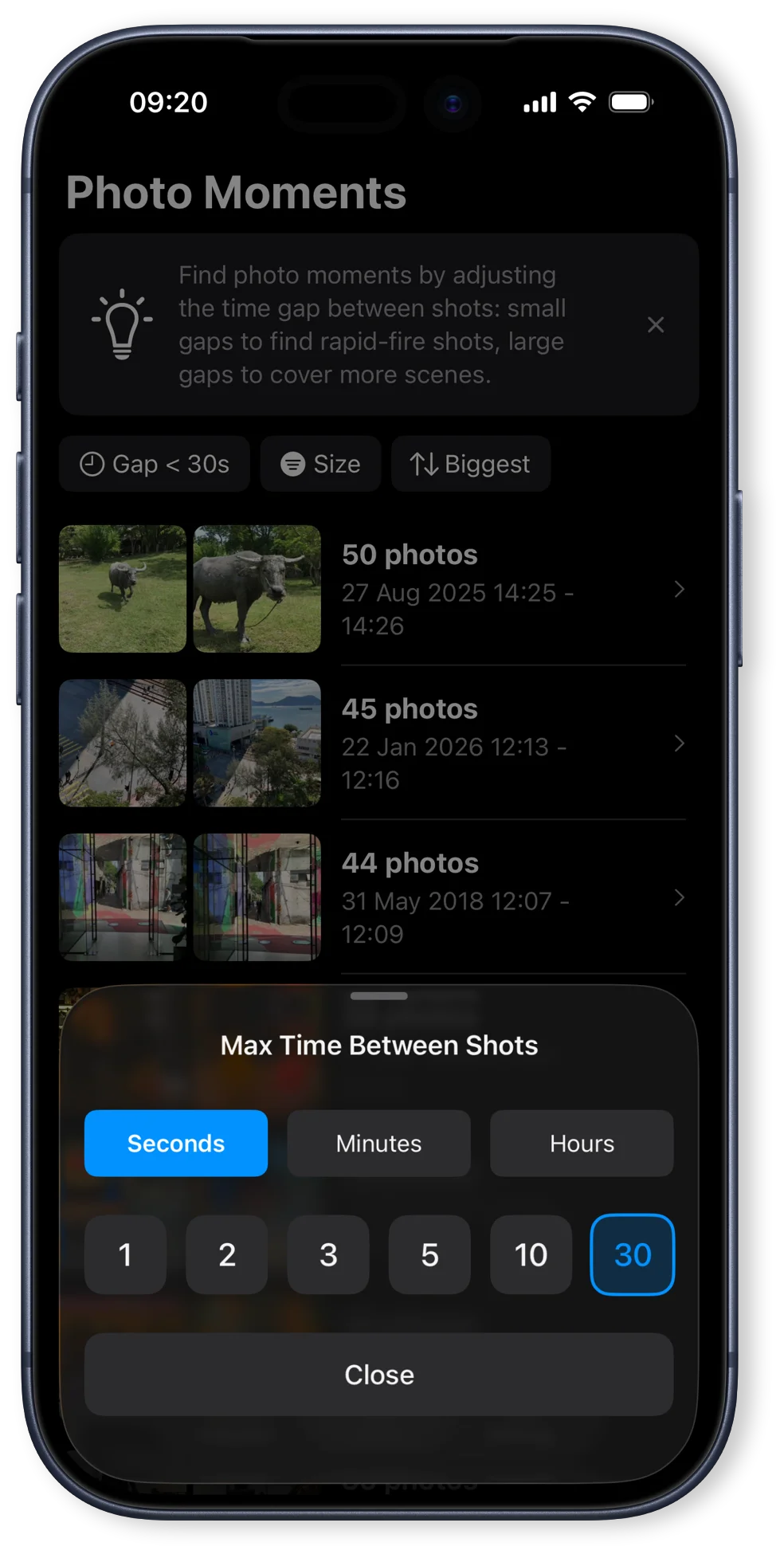
Find similar photos in your photo sessions
Automatically find and group your rapid-fire photos or photo sessions. Adjust the time between shots: pick a short time to find rapid-fire photos or a longer time to find photo sessions with multiple scenes.
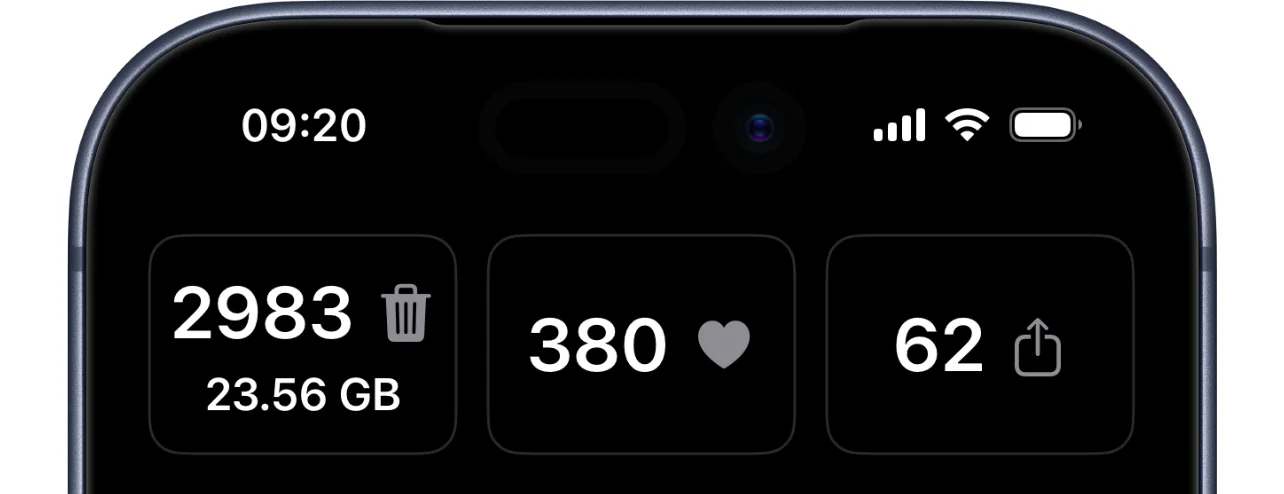
Save storage space and see your progress
See how many photos you deleted and how much space you reclaimed. See how many photos you favorited or shared.
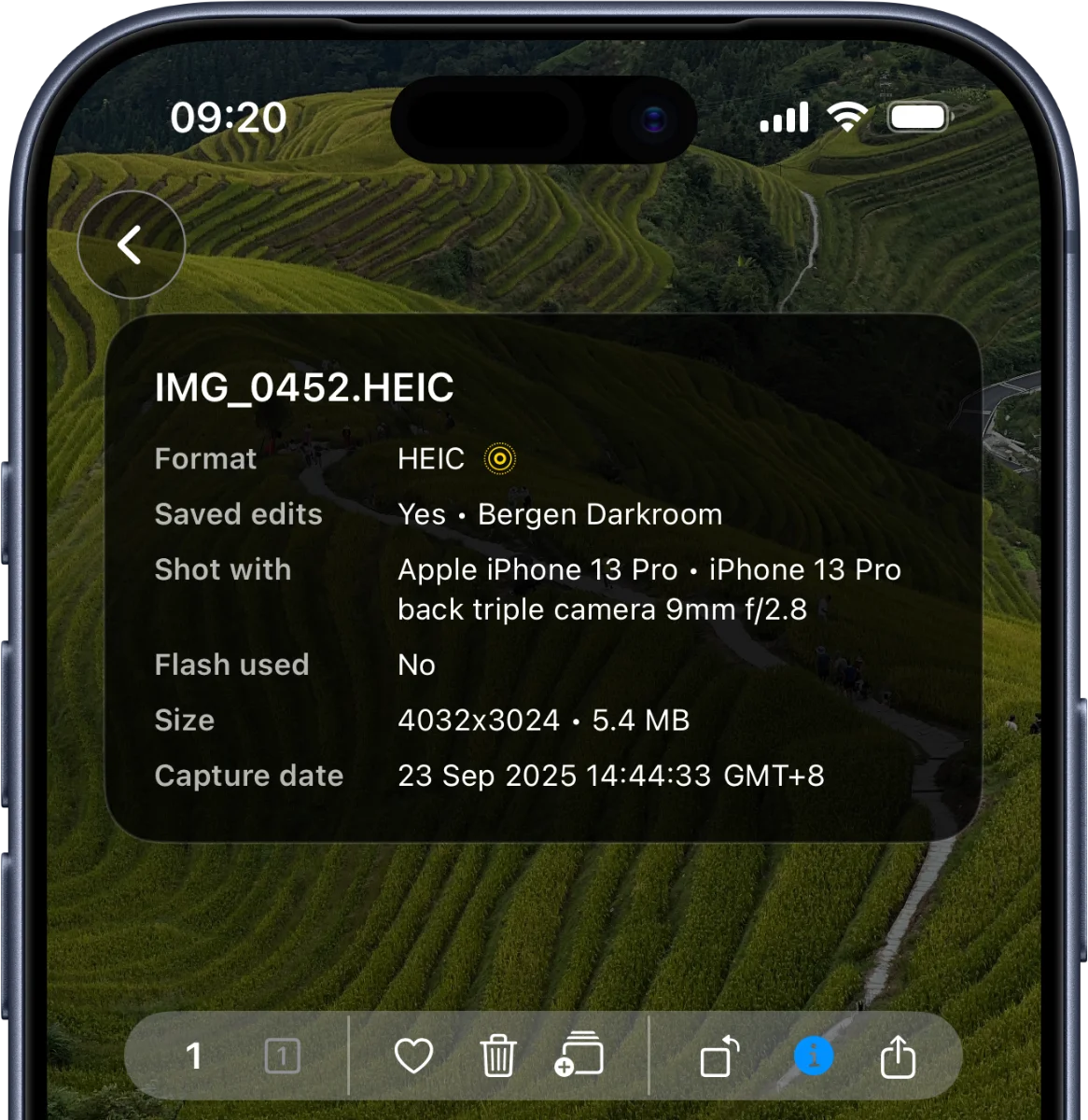
View photo metadata
View photo information as you compare: photo format, capture date, file size and name, camera, lens, flash, and whether the photo has any saved modifications.
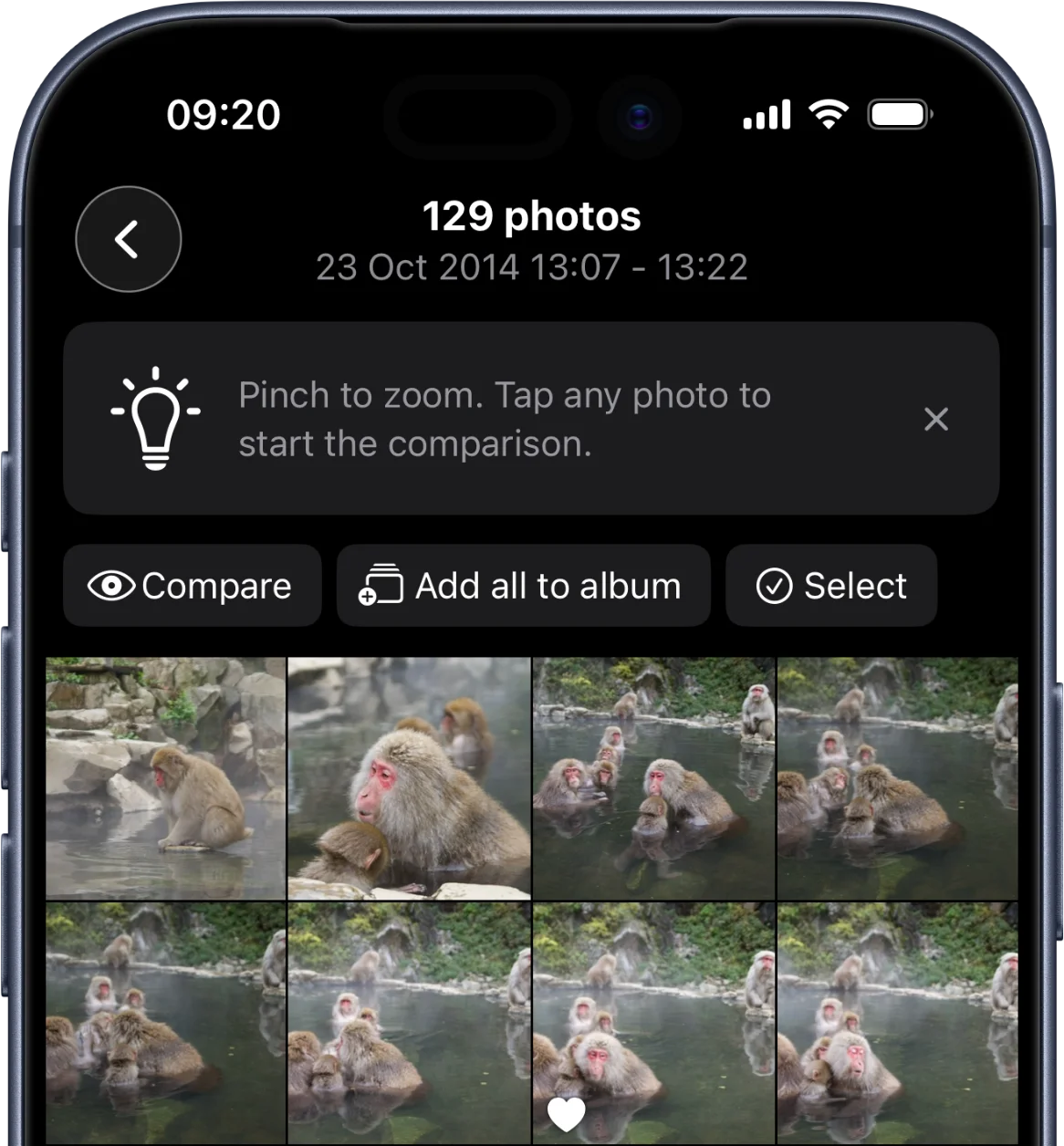
Save your photo sessions to albums
Save your photo sessions or individual photos to albums to organize your library.
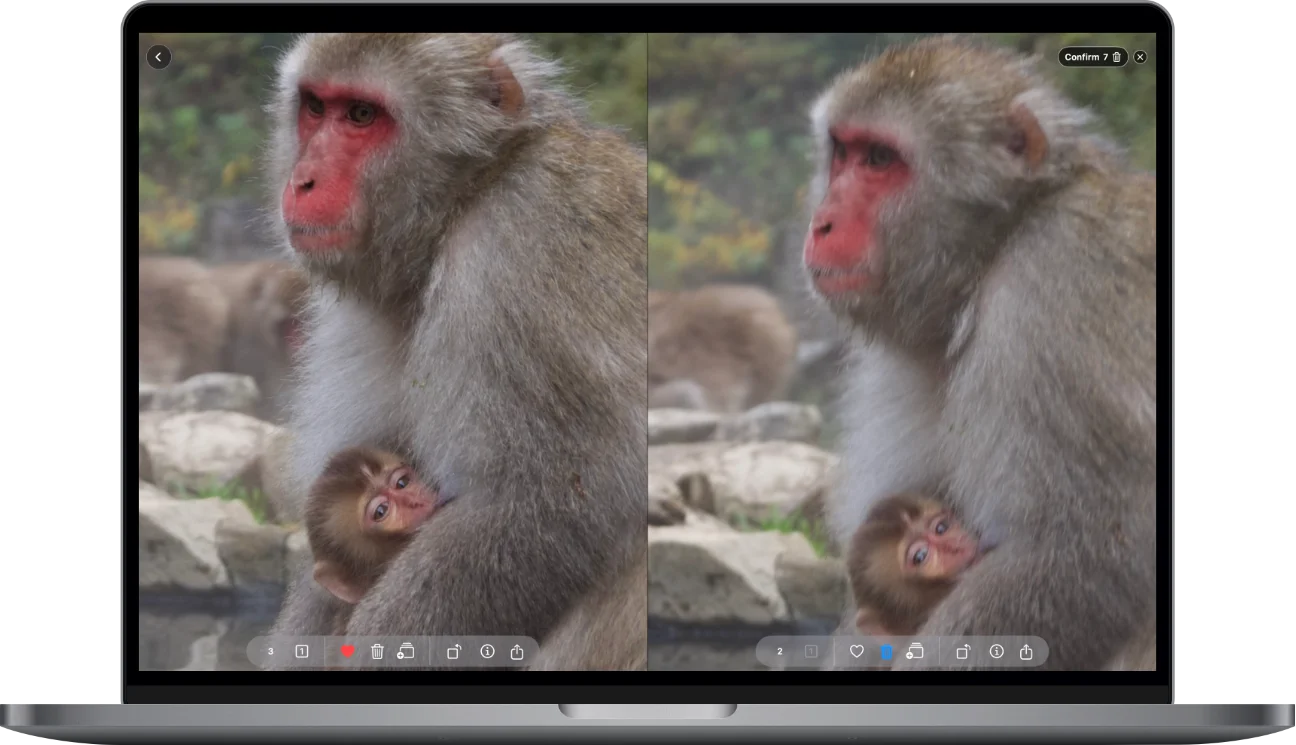
Start on iPhone, finish on iPad or Mac
Start on the go on your iPhone and finish on the included Mac or iPad versions at home.
Private by design
Your photos are processed on your device and never transmitted to us.
Zoom Compare
Available on iPhone, iPad and Mac in English and other languages.